
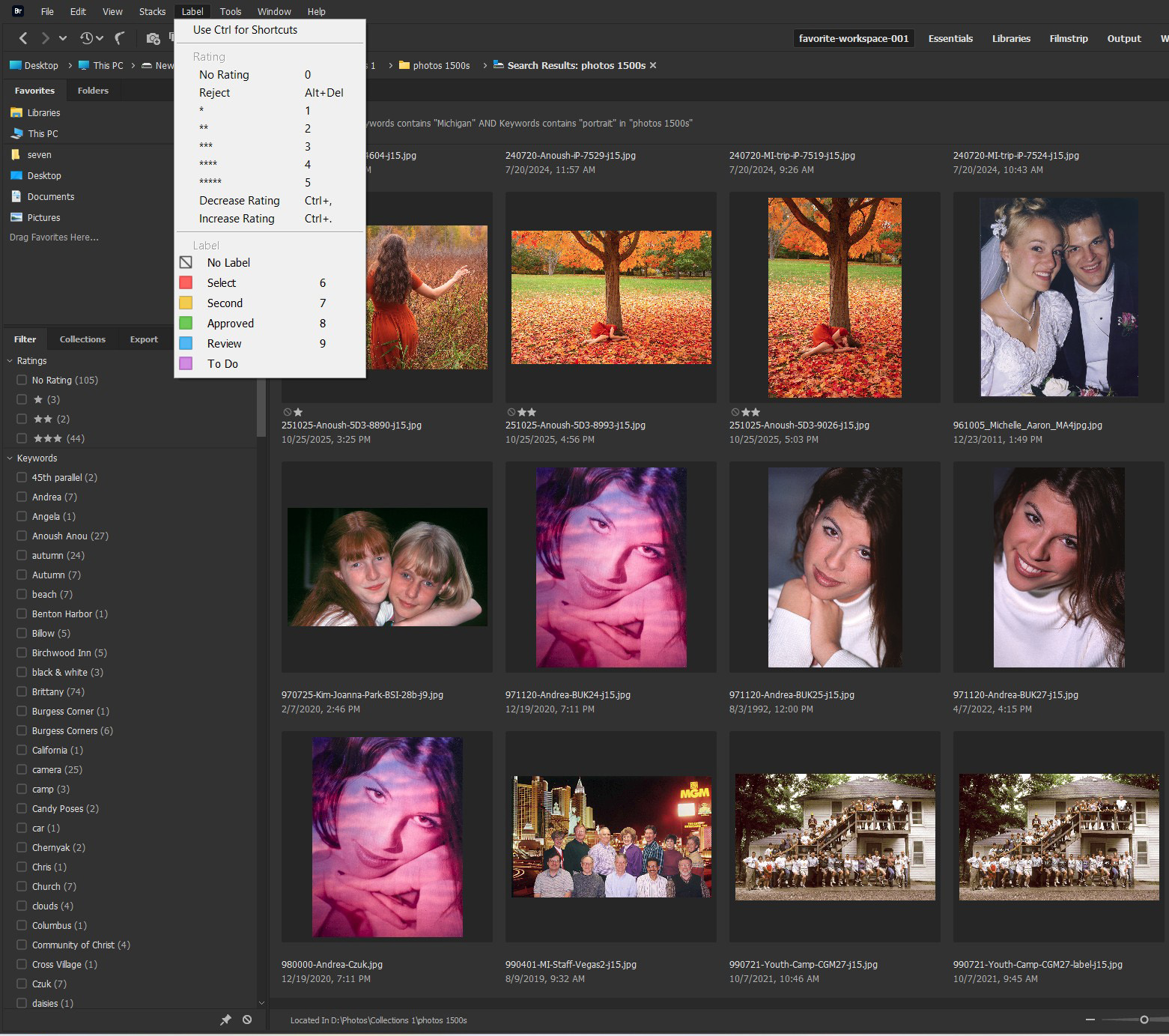
Adobe Bridge, partial screen capture. Click to see a larger version.
For a project I am working on, I opened my “favorite photos” folder with Adobe Bridge to look for my favorite portraits created in Michigan. I did a search for “Michigan” + “portraits” and in less than a second Bridge showed me all of my favorite portraits taken in Michigan. This is a partial screen capture of some the results. (Bridge found a total of 154 favorite portraits taken in Michigan.) As I looked at the stars under the portraits of Anoush, it gave me an idea that became this article. My camera can rate photos with one to five stars. when I download the photos and open them in Bridge I see those star ratings. Sometimes that can be very important.
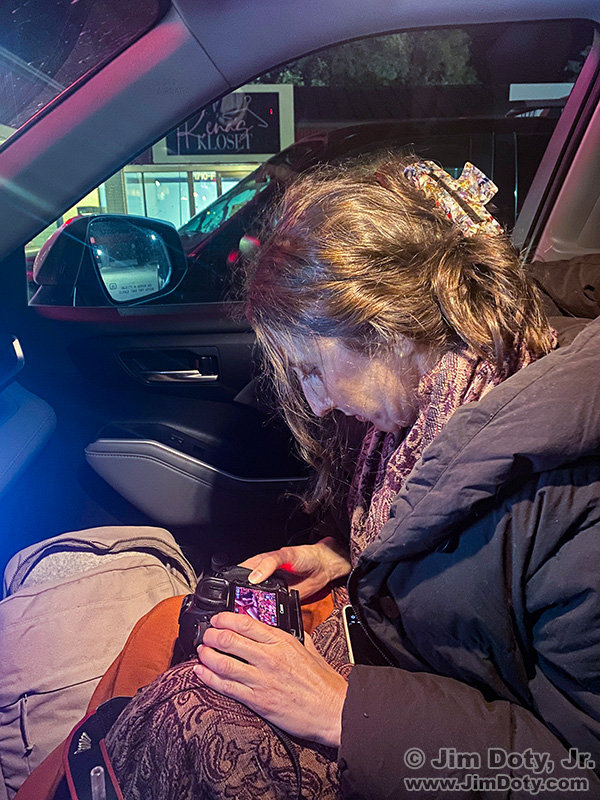
Anoush rating photos in a restaurant parking lot.
In October, at the end of a long photo shoot in Michigan, Anoush went through the photos using the screen on the back of my camera and gave her favorite photos 1 star and her most favorite photos 2 stars. When I got home and downloaded the photos, in Adobe Bridge I could see her 1 and 2 star favorites. That is a very handy feature.
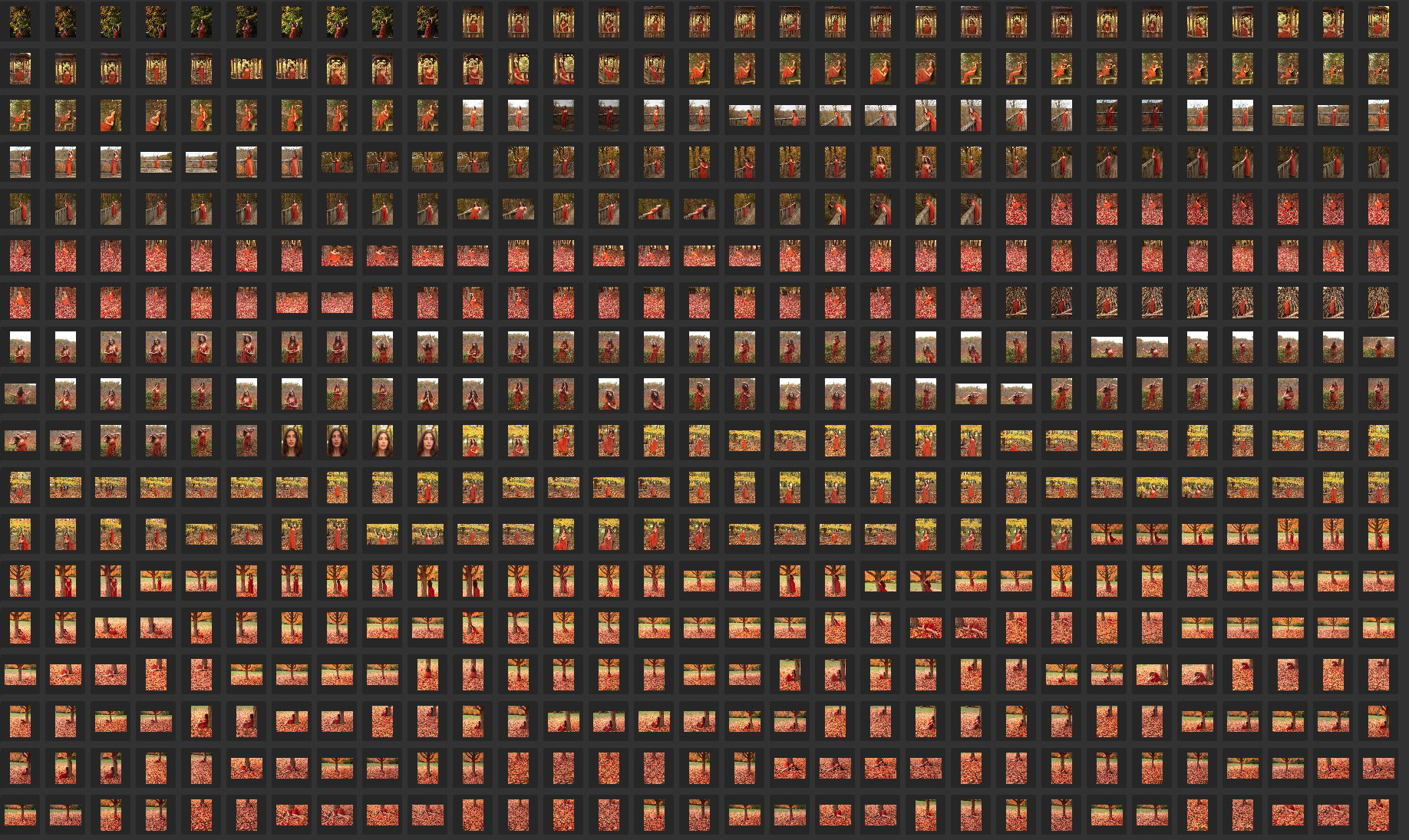
Adobe Bridge: Most of the day’s images of Anoush. Click to see a larger version.
This is why. We created a lot of images. When I pick the very best photos to optimize, I also want to know which images the model likes best. I want her to have optimized images of her favorites as well as mine. There is usually overlap and we pick some of the same favorites. When I do a portrait shoot at home, I usually download the images right after the shoot and the model and I sit down at the computer and she picks her favorites.
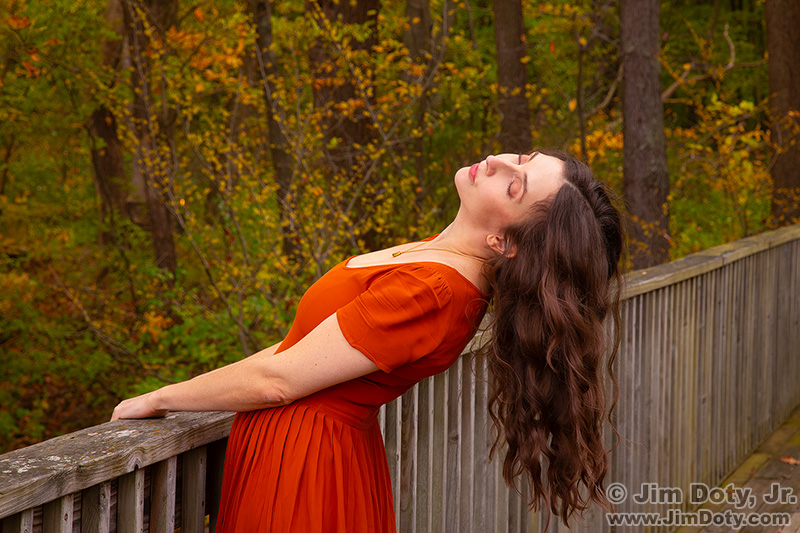
Anoush Anou, Sarett Nature Center.
Anoush and I didn’t have that option. That is why, after our shoot and dinner at Zooroona (one of my favorites in Kalamazoo, thanks to the wonderful Mediterranean food), she started rating images at our table. When the restaurant closed at 9 pm, we went to my car in the parking lot and she finished rating photos.
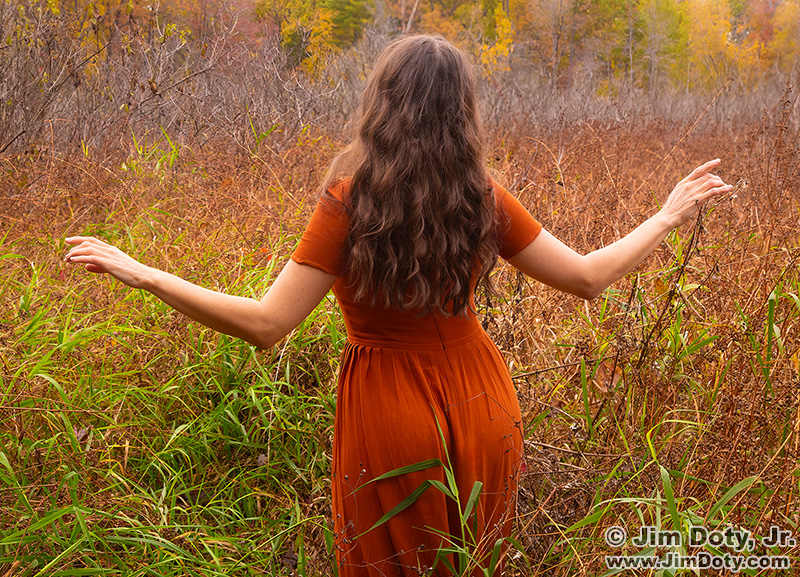
Anoush Anou, West Lake Nature Preserve.
We parted ways after dinner and I went to northern Michigan for two days to do landscape photography. When I got home and downloaded the photos, Adobe Bridge showed me her 1 and 2 star favorites.
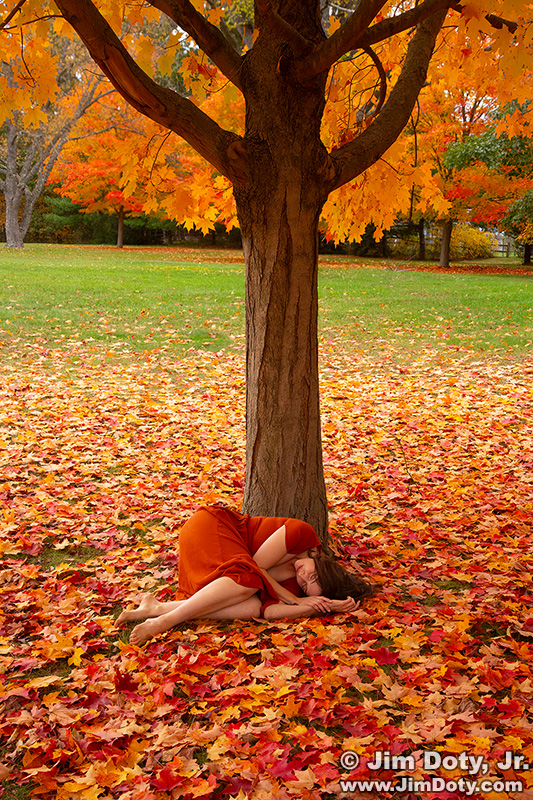
Anoush Anou, Schrier Park.
What if you do a shoot on the road and your camera doesn’t rate photos? Have the model go through the photos and read the four digit file numbers for her favorite photos. Write down her favorites on a piece of paper or in a travel notebook. When you get home use Bridge to mark her favorites.
Occasionally I rate favorite landscape photos with my camera while I am on the road. Sometimes I take a photo, I look at the back of the camera, and say, “Oh wow!” I rate the photo on the spot so it is easy to find in Bridge when I get back home.
Rating Photos With Adobe Bridge
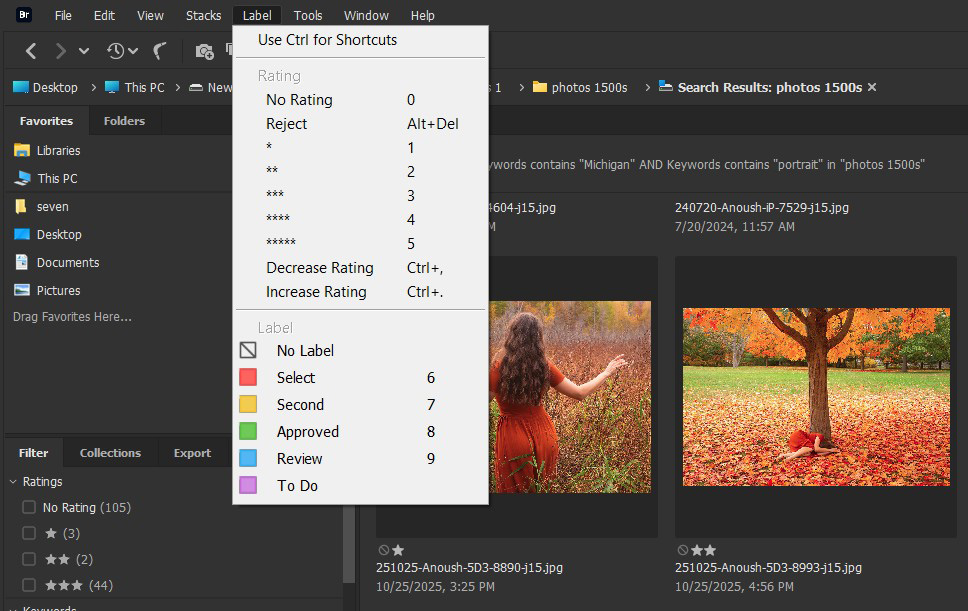
Rating photos with Adobe Bridge
Rating photos with Bridge is very simple. Highlight one of more photos you want to rate by clicking on them. At the upper left in Bridge, click “Label”. A drop down menu will appear. Click the star rating and/or the color label you want the selected photos to have. It is as simple as that. Repeat the process again for photos that you want to give a different star rating or different color label. If you want to erase a rating/color label, highlight the photo and click “No Rating” and/or “No Label”. The process is the same for changing a rating or color label. Highlight the photo and click on the new rating or label. Simple. Adobe Bridge is one of my favorite tools and it is a free download.
Michigan Photo Locations
Sarett Nature Center (Benton Harbor), West Lake Nature Preserve (Portage), and Schrier Park (also in Portage) are great locations in Southwest Michigan for nature and portrait photography. Two additional places where we did portraits that are not shown above are Trillium Ravine and Fernwood Gardens, both near Niles and Buchanan.
Links
“How To” Series: Adventures with Adobe Bridge
How To Rate Photos In Your Camera
Rate and Name Your Digital Photos