
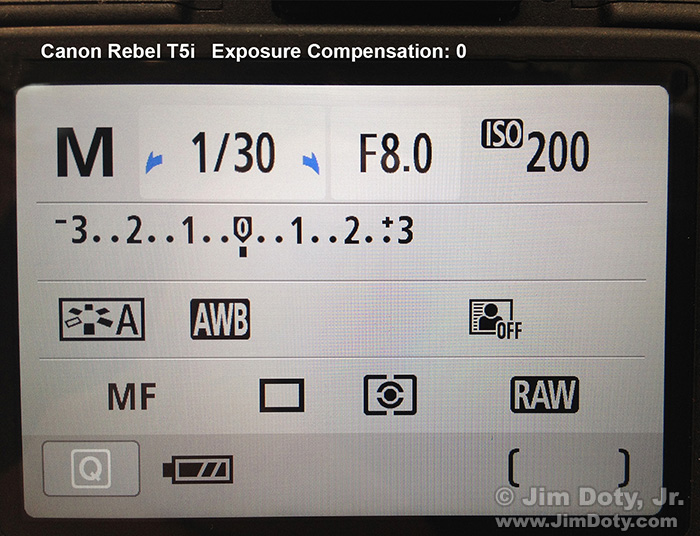
Canon T5i Menu Screen
I was looking at this photo of a menu screen in the article I re-posted this morning about using an exposure compensation scale. I was curious where I was when I created this image. The original article was posted back in 2015. I moused over this image of a Canon T5i screen and it was taken October 16, 2014. That was over a decade ago. I took pictures of the menus on the back of two cameras, one Canon and one Nikon, so I was clearly some place that sells cameras. But where was I? I was in Columbus Ohio at the time and there are a lot of places in Columbus that sell cameras.
There was a quick and simple way to find out. I right clicked the image to bring up a menu and I chose EXIF VIEWER. It is a free add-on for Firefox that shows you the digital information embedded in an online photo. Depending on the camera it can include the camera, lens, date, time, aperture, shutter speed, ISO, and GPS coordinates.
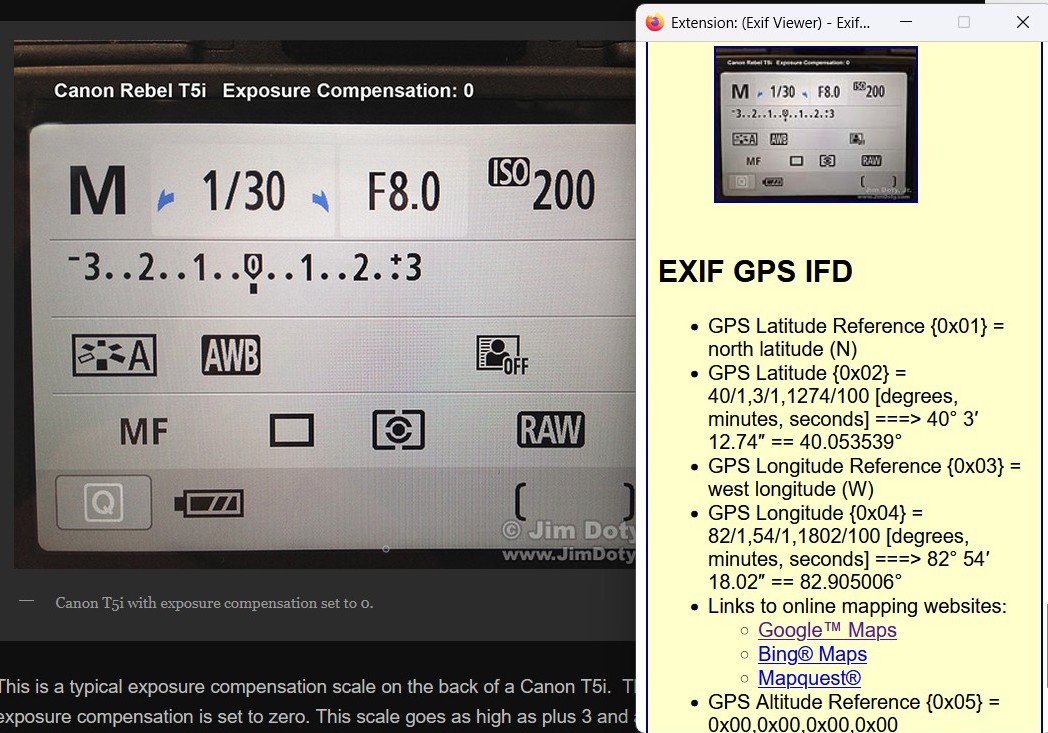
Screen capture: Photo with EXIF VIEWER GPS info.
I scrolled down the EXIF VIEWER info panel (in yellow) until I got to the GPS information. You can see the latitude and longitude of the place where I took the photo.
One of the cool things about EXIF VIEWER is you can click on one of the three mapping apps in the GPS section to see a satellite map of where the image was taken. I clicked on the Google Maps hyperlink in EXIF VIEWER.
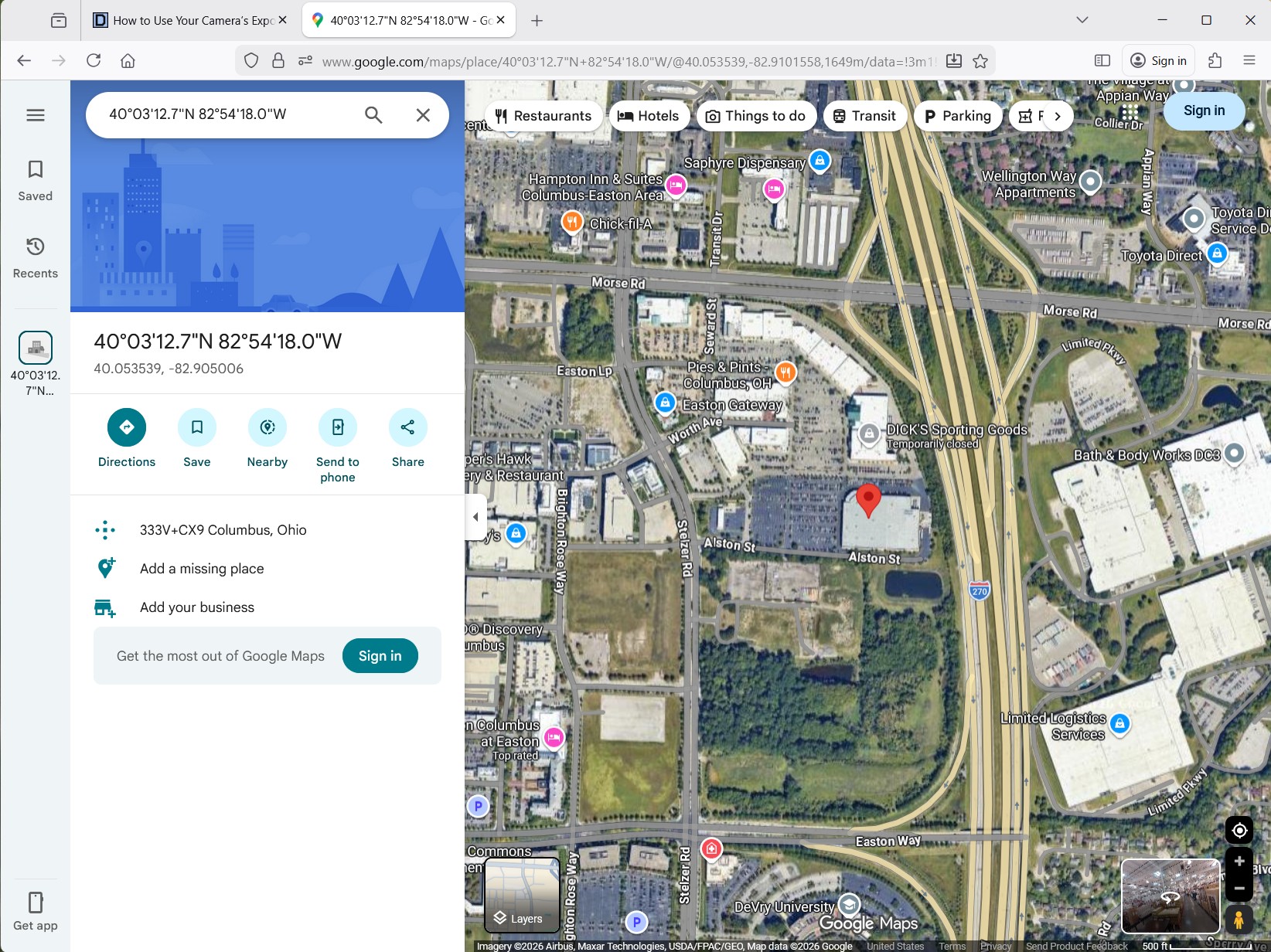
Photo location in Google Maps.
Aha! Mystery solved. I was at Costco on the west side of Columbus Ohio. Needless to say, I like EXIF VIEWER.
Cameras and Metadata
Most cameras record basic metadata for the photos that are created, but a lot of cameras do not record the GPS coordinates. Most smart phones do record GPS coordinates if that feature is on.
Scrubbing Metadata
For the record, a lot of photographers remove some or all of the exif data from their images before they post them online. For most of my online landscape and wildlife photos I leave the metadata in place.
It is a good idea to remove GPS information from any photos you take at your home before posting them online. You don’t have to do that for photos on Facebook becauae Facebook scrubs the metadata from the photos you post.
Link
Exif Viewer for Firefox by Alan Raskin.
How to Remove GPS Information From Your Photos Using Your Computer