
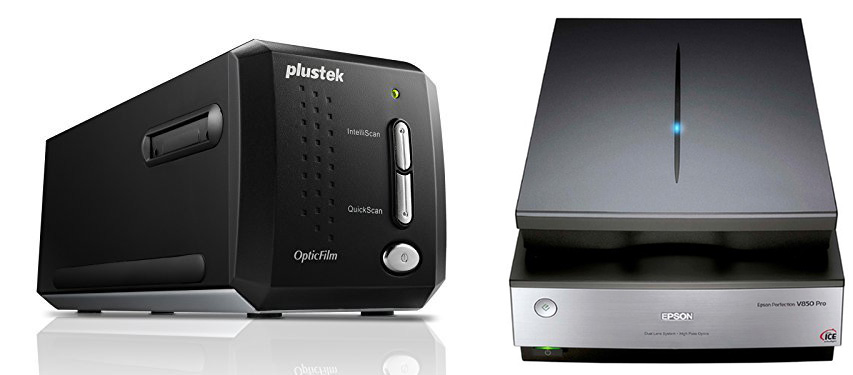
Plustek Film Scanner, Epson Flatbed Scanner
If you have precious slides, negatives, or prints that you want to scan, you have come to the right place. Choose wisely from the scanners that are available or you could get burned. A scanner that might be just fine for one person will be totally unsuitable for the next person. When it comes to scanners you need to know what you are getting and, just as importantly, what you aren’t getting. That is what this article is all about.
When it comes to scanners you several quality options in a variety of price ranges. There are also low quality options at there that are not worth the low price. Do not be fooled by a fake review site that was created by the same company that sells a low quality scanner. Social media is currently being flooded by ads that tout a scanner as the best of the best despite it not being recommended by any independent experts. Check out the review links below. A quick look at these reviews will show you which scanners are recommended by a wide variety of knowledgeable reviewers.
Do NOT read film scanner reviews at sites that review everything imaginable. There are sites that have clueless reviewers. That is why I provided the reviews below by people who know what they are talking about.
Scanner Software
The software that comes with most scanners, including some of the more expensive scanners, is pretty sad. Some people think they bought a bad scanner and the problem was actually the software that came with it. So you can pretty much count on buying better software for your scanner. The best place to go is VueScan by Hamrick. Tens of thousands of professional photographers use VueScan software with their scanners for one simple reason: better quality scans.
VueScan will give you better quality scans with better color and better color depth than the software that comes with your scanner. VueScan will cost you $40 or $80 depending on the version you get. You can try it for free before you buy it.
There is also another reason for using VueScan. Some of us have top of the line scanners purchased years ago that have been orphaned by the manufacturers (I am talking especially to you Nikon) because the manufacturers haven’t updated their software. The software that came with the scanner does not work with recent versions of Windows or iOS. We all use VueScan to keep our professional grade scanners working.
If you buy a faux scanner (more about that later) you won’t need to buy software.
Dedicated Film Scanners vs Flatbed Scanners
Dedicated film scanners do one thing, scan slides and negatives. The best of them do this very well. A sensor scans the film at high resolution. It is a very high quality way to turn your slides and negatives into high quality digital files. Plustek and Pacific Image make high quality film scanners. More money gets you a higher resolution file and maybe a little more color depth. Plustek and Pacific Image scanners are world’s better than the faux scanners I describe in the section below.
Flatbed scanners have a flatbed (a flat piece of glass) where you lay your prints to be scanned. The sensor moves along under the glass as it scans your print. The best flatbed scanners, like the two below from Epson, will also do a good job of scanning film. They come with film holders. You put your slide or negative strip in the appropriate holder and lay it on the glass. The Epson V850 is right up there among the better dedicated film scanners when it come to file quality when scanning film. The Epson V600 and the Canon 9000F are close in quality to the less expensive dedicated film scanners. Therefore, as you have figured out, the Epson and Canon flatbed scanners on my list are much better than the faux film scanners.
There are less expensive flatbed scanners out there that will do a good job of scanning prints, but they will not do a good job of scanning slides and negatives. If you go the flatbed route to scan film, get one that will do both jobs well. They are more expensive but well worth the money.
These scanners give you high resolution files that you can use to create prints as big as 30-40 inches.
Real Scanners vs Faux Scanners
Real scanners actually scan your film or print. A sensor (or sensors) moves across your image recording the colors and tones. This takes a while. Scanners usually take 20-30 secnds up to a minute of more to scan your image. Real scanners give you more resolution, better colors, better color depth (the range of color tones from light to dark), and a better DMax (the ability to scan dark tones in an image).
If you scan a cherished slide or negative and you want the best possible color quality and you want to make a 20×30 inch print from the resulting image file, you absolutely must get a real scanner with a real sensor.
But that is not what everybody wants, hence the faux scanners.
“Faux scanner” is my name for the scanners that do not scan your image at all. They are basically a light tight box with a camera and a light table. It is very much like putting a slide or negative on a light table and taking a picture of it with a smartphone camera, except it all happens inside a cute little light-tight container. The quality ranges from relatively good to awful.
Let’s talk about what “relatively good” means. Some people love these faux scanners. They don’t want to make huge enlargements and if the color is pretty good, they are happy. If the fire engine looks red, it doesn’t matter if it is a slightly different red hue than the original fire engine. And these faux scanners are much faster to use. They just take the picture and output it to your memory card or computer. So people who are happy with 5×7 to 11×14 inch prints and aren’t really fussy about the getting the very best color quality would be perfectly happy with one of the better faux scanners. You might love one. Or you might know someone less “photographically fussy” who would love one. If that is the case, the Kodak and Wolverine scanners below are two of the better faux scanners. There are others on the market that are truly awful.
Since faux scanners are actually cameras, not a sensor that needs to interpret what it scans, you will not need to buy VueScan software. The camera in the faux scanner will send you a JPEG file, just like any other camera. You may want to work on the JPEG file with your favorite image editing software.
Recommended Scanners
Here’s my list of recommended scanners. These scanners range in price from $160 – $1,000+.
Dedicated Film Scanners
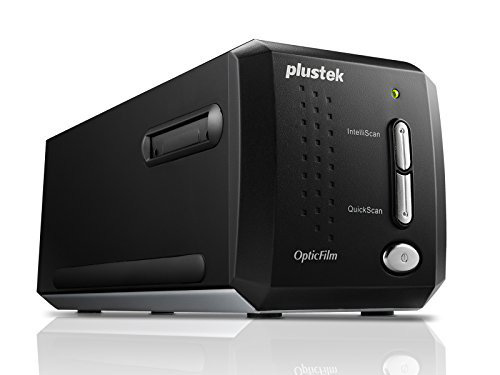 Plustek OpticFilm 8200i SE Film Scanner. This is an excellent film scanner.
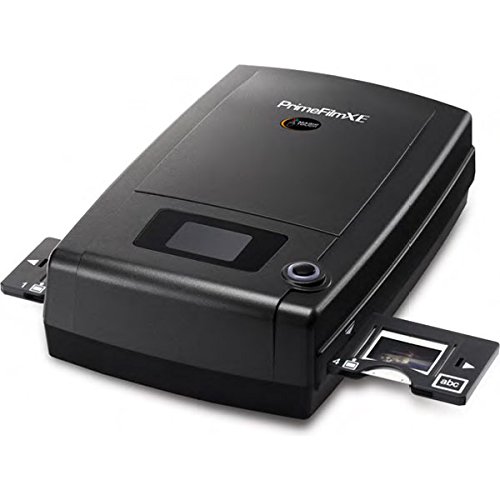 Pacific Image PrimeFilm XE 35mm Film & Slide Scanner. This is an excellent film scanner.
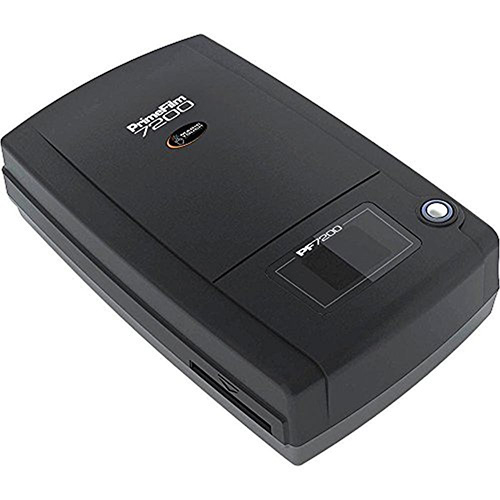 Pacific Image Prime-Film PF7200U. This is a very good film scanner.
Flatbed Scanners
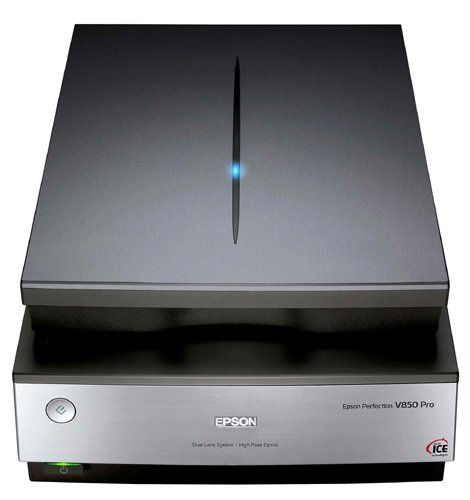 Epson Perfection V850 Pro scanner. This is a top of the line flatbed scanner for both prints and film.
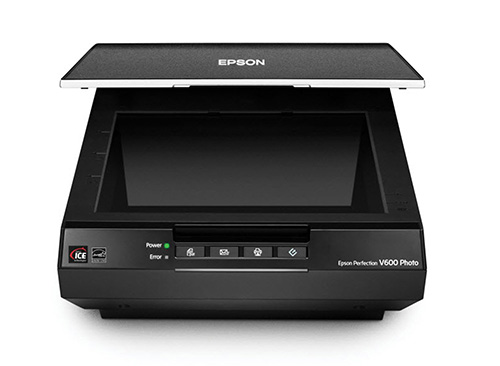 Epson Perfection V600. This is a very good flatbed scanner for both prints and film.
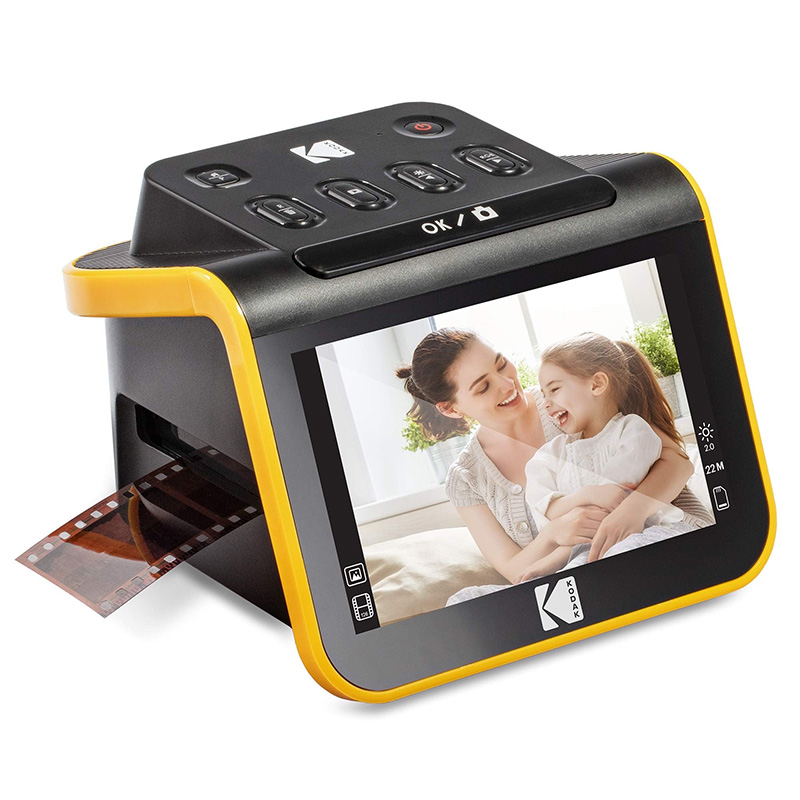
The Kodak Slide N Scan is an inexpensive (under $200) film scanner. It creates 14MP scans which you can print up to 10×15 inches in size.
Faux Film “Scanners”
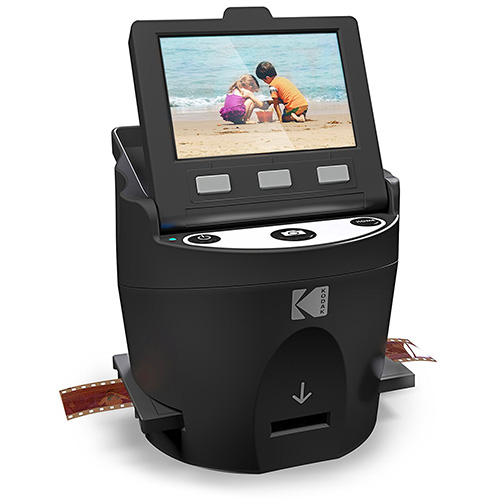
KODAK SCANZA Digital Film & Slide Scanner. This a faux film scanner, which means it does not actually scan the film. See the section above about faux scanners above if you haven’t read it already. This is one of the better faux film scanners.

Wolverine Titan Film to Digital Converter
Wolverine Titan 8-in-1 High Resolution Film to Digital Converter. This a faux film scanner, which means it does not actually scan the film. This is one of the better faux film scanners. It looks like a close relative to the Kodak scanner and it might be pretty much the same scanner inside with a slightly different exterior.
Drum Scanner – Just For Fun!
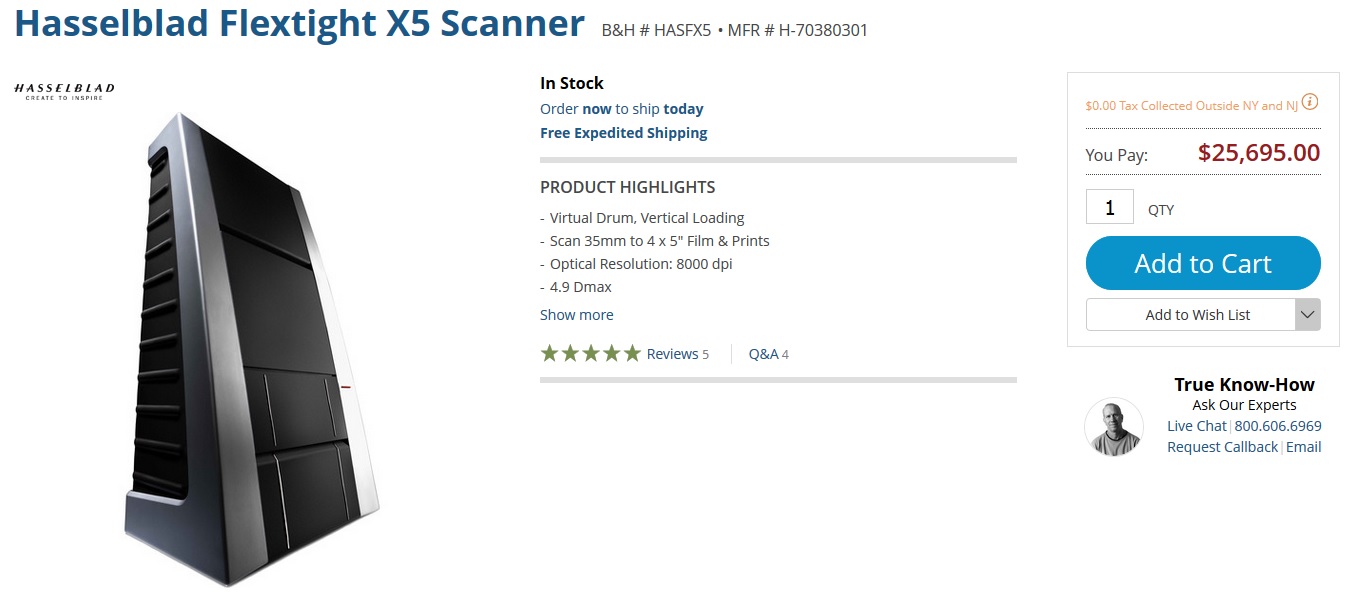
So if you are really curious and you want the best possible scan, you need a drum scanner. You better sit down for this. It will set you back about $25,000. You can resume breathing. You can order one from B&H Photo.
Do You Need a Flatbed Scanner for Prints?
Maybe. Maybe not. If you have a good camera, lens, and tripod, you can buy a couple of inexpensive accessories (less than $10 each) and make digital copies of your prints with excellent results. Even on the road. Read this article. If you use a camera to digitize prints, the only remaining reason for owning a flatbed scanner is to digitize slides and negatives as describe earlier in this article.
On the other hand, if you use a flatbed scanner to scan prints, you don’t need to set up a camera and tripod and get everything aligned. Just lay a print on the glass, fire up the scanner, and scan the print. So there is a convenience advantage.
Article Link
You Can Create High Quality Digital Images of Analog Prints, Even if You are Traveling
Film Scanner Reviews
The Best Photo Scanners for 2026
What is the Best Film Scanner in 2025?
Best Film Scanners for Photographers
Best Film & Slide Scanner for Digitizing Your Film Collection
The best film scanners in 2026
What is the Best Negative Scanner for 35mm?
The best film scanners of 2023
Despite the date of this article, these recommendations are still good.
Kodak Slide N Scan Digital Film Scanner Review
This is a one product review.
Series Link
This is one in a series of articles that will guide you to the best of all things photographic. The rest are here: Buyer’s Guide: Recommendations For The Best Photography Equipment, Software, Books, Magazines, DVDs, Online Photo Labs and More.